Protect
What to protect
List how many of each you have and about how much data each holds. Nothing is read from your devices; sizes are checked during the set-up.

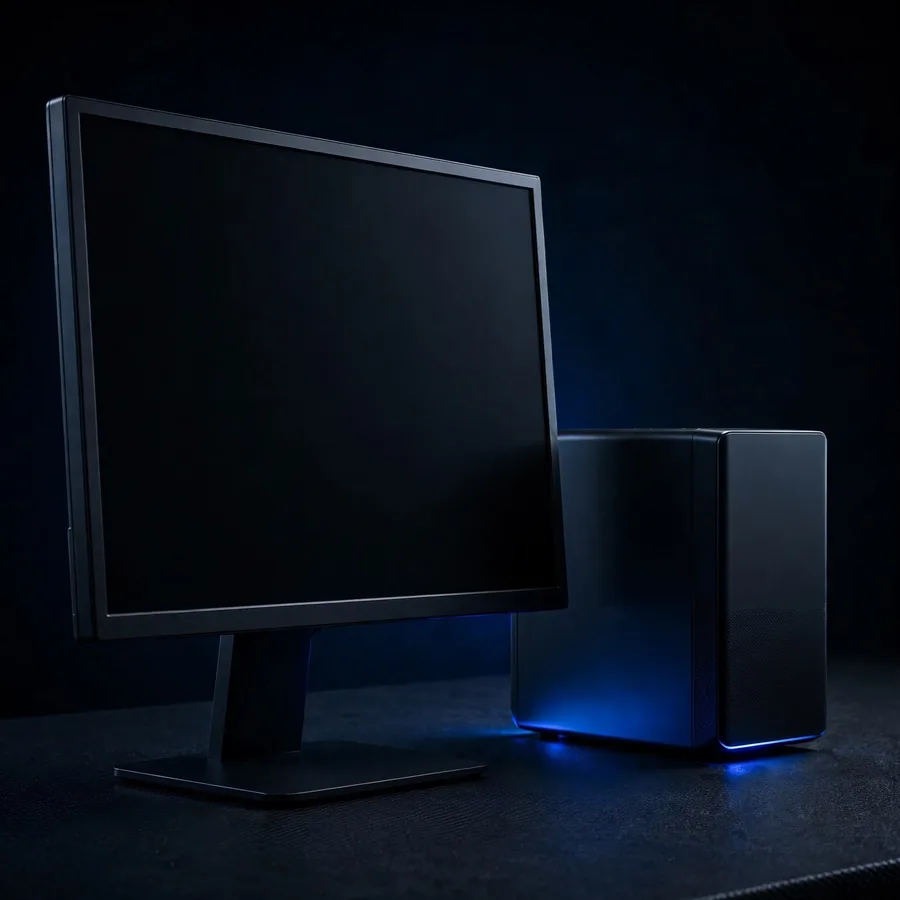
Protect(01)
Desktop computers
Office or reception PCs with documents and email.
Up to 30 desktop computers
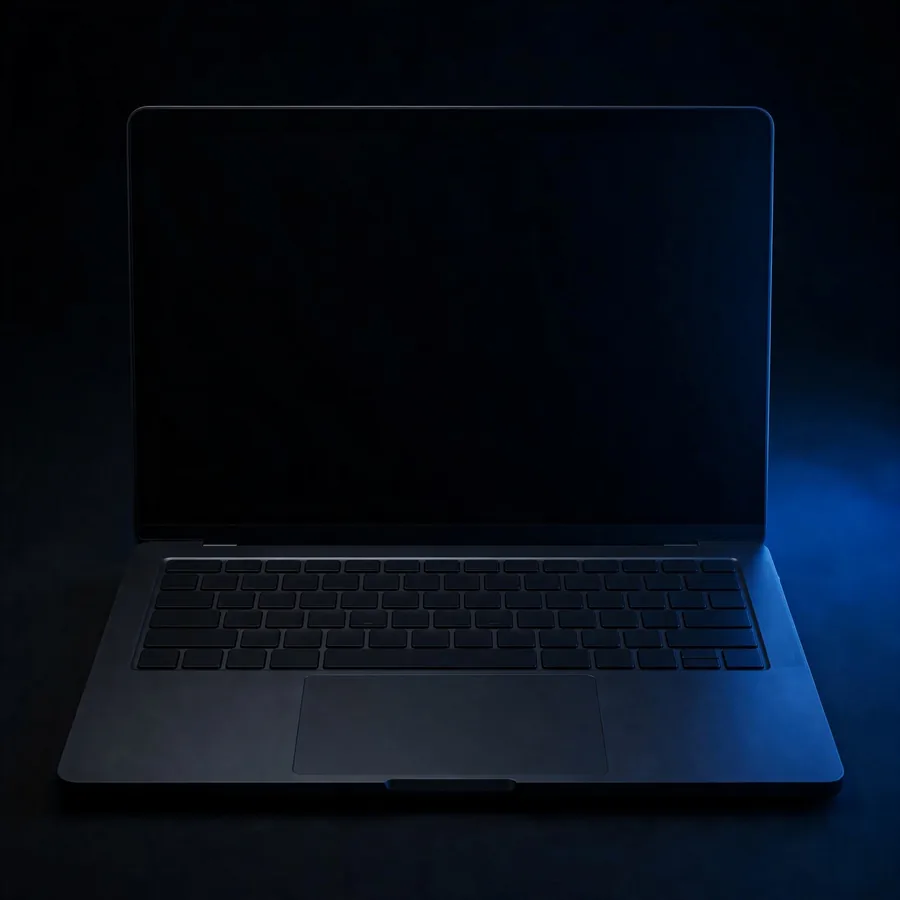
Protect(02)
Laptops
Work laptops that leave the office.
Up to 30 laptops
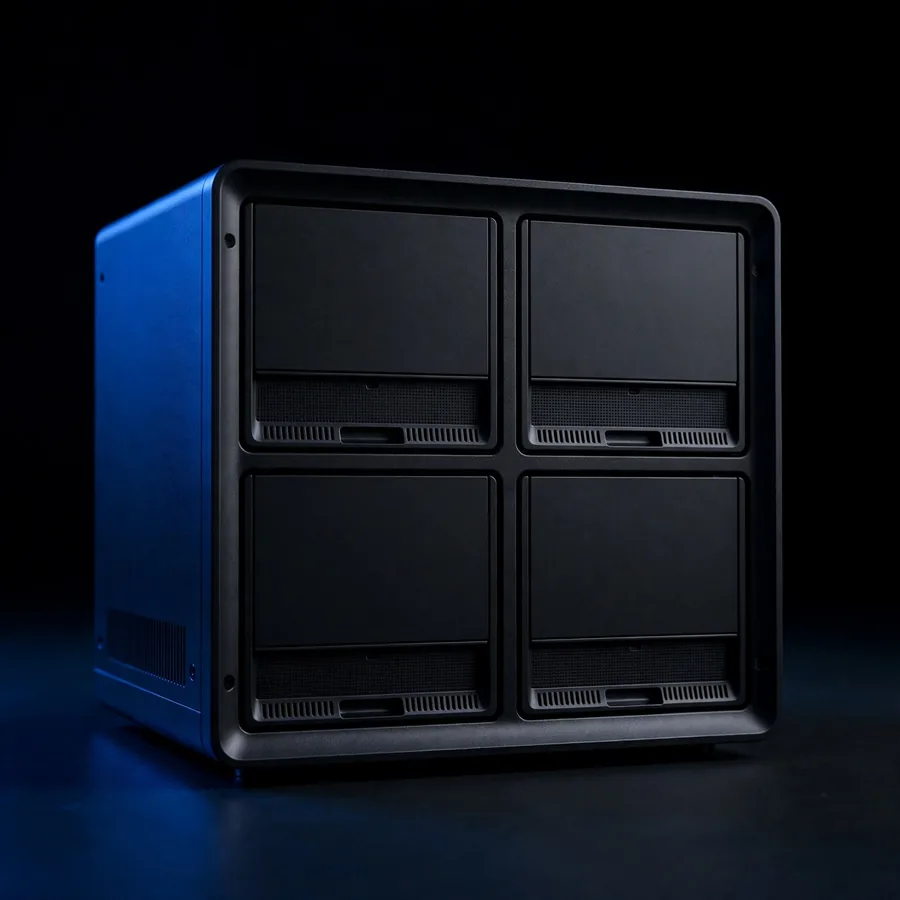
Protect(03)
Server or NAS
A shared office server or network storage box.
Up to 3 servers or NAS boxes

Protect(04)
Accounting or billing data
The database of accounting, billing or inventory software.
Up to 5 accounting or billing databases

Protect(05)
Phones
Photos, contacts and chats on work phones.
Up to 30 phones
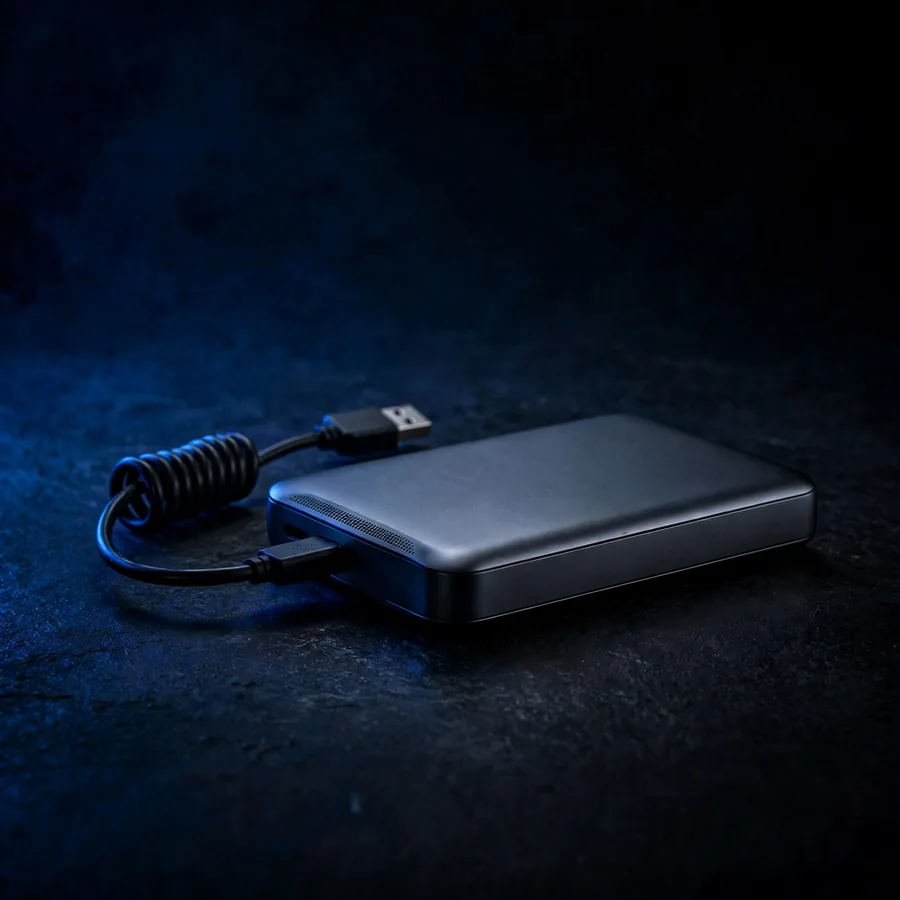
Protect(06)
External drives
USB drives that already hold copies or archives.
Up to 10 external drives
Plan a backup
Know what your copies will cost before anyone visits
List what to protect, choose where the copies go and add the services. The planner shows the drive size and the price range.
Open the planner