
DATA OIL: backups you can restore, in Ibagué
Backups you can restore. Plan the copies of your office computers, servers and data, a restore test, or a recovery evaluation when data is already lost.
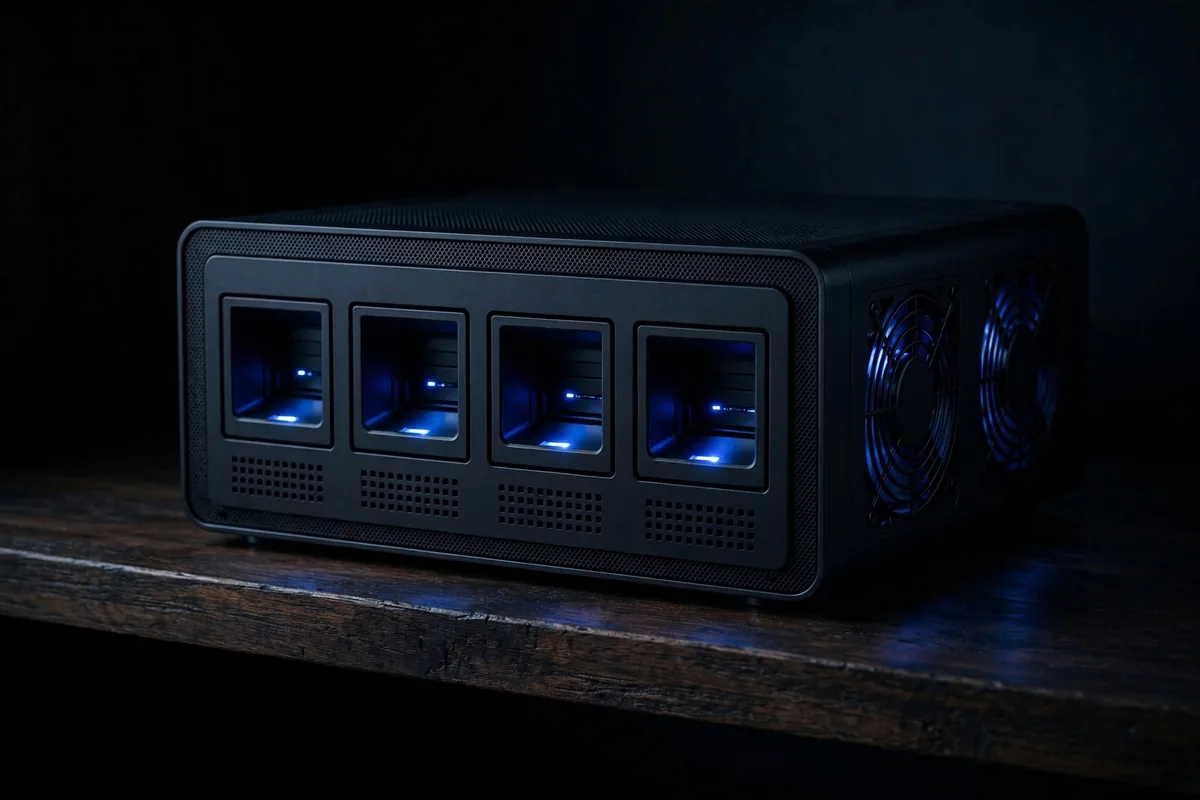
What we protect
Every place your data lives
(01)Desktop computers
Office or reception PCs with documents and email.
Up to 30 desktop computers in one plan; sizes from up to 250 gb to 2 tb each.
More about desktop computers(02)Laptops
Work laptops that leave the office.
Up to 30 laptops in one plan; sizes from up to 250 gb to 1 tb each.
More about laptops(03)Server or NAS
A shared office server or network storage box.
Up to 3 servers or NAS boxes in one plan; sizes from up to 1 tb to 4 tb each.
More about server or nas(04)Accounting or billing data
The database of accounting, billing or inventory software.
Up to 5 accounting or billing databases in one plan; sizes from up to 10 gb to 100 gb each.
More about accounting or billing data(05)Phones
Photos, contacts and chats on work phones.
Up to 30 phones in one plan; sizes from up to 50 gb to 250 gb each.
More about phones(06)External drives
USB drives that already hold copies or archives.
Up to 10 external drives in one plan; sizes from up to 500 gb to 4 tb each.
More about external drivesServices
From the first copy to the restore test

Service(01)
Backup set-up on a computer
The backup installed and scheduled, a first full copy and a test restore of one file.
$80.000 – $150.000 per computer

Service(02)
Restore test with report
Sample files and one whole folder restored from the copies, with a written result.
$120.000 – $220.000 per plan

Service(03)
Data recovery evaluation
A failing, deleted or encrypted drive examined; the recovery itself is quoted after it.
Evaluation $60.000 – $120.000; recovery quoted after it

Two places
One copy nearby, one somewhere else
A copy on a drive or NAS at the office restores fast. A second copy in a cloud account in your name survives a fire, a theft or ransomware.
How copies workHow it works
Four steps to a quote

Questions
Frequently asked
Why are prices ranges?
The final price depends on the number of computers, the data and what DATA OIL finds. DATA OIL confirms the plan and the price before starting.
Do I have to buy a drive or a NAS?
For copies at the office, yes. The plan shows the size to buy; DATA OIL sets it up but does not sell it.
Who pays the cloud storage?
You do. The account is in your name and its fee is paid to the provider. It is not in this estimate.
What is a restore test?
Files and one whole folder are brought back from the copies to prove they work. A copy that was never restored is untested.
Can you recover my data?
A data recovery evaluation examines the drive and tells you what can be recovered and the price. Nothing is promised before it.

Plan a backup
Know what your copies will cost before anyone visits
List what to protect, choose where the copies go and add the services. The planner shows the drive size and the price range.
Open the planner